
Part 1
Getting Started
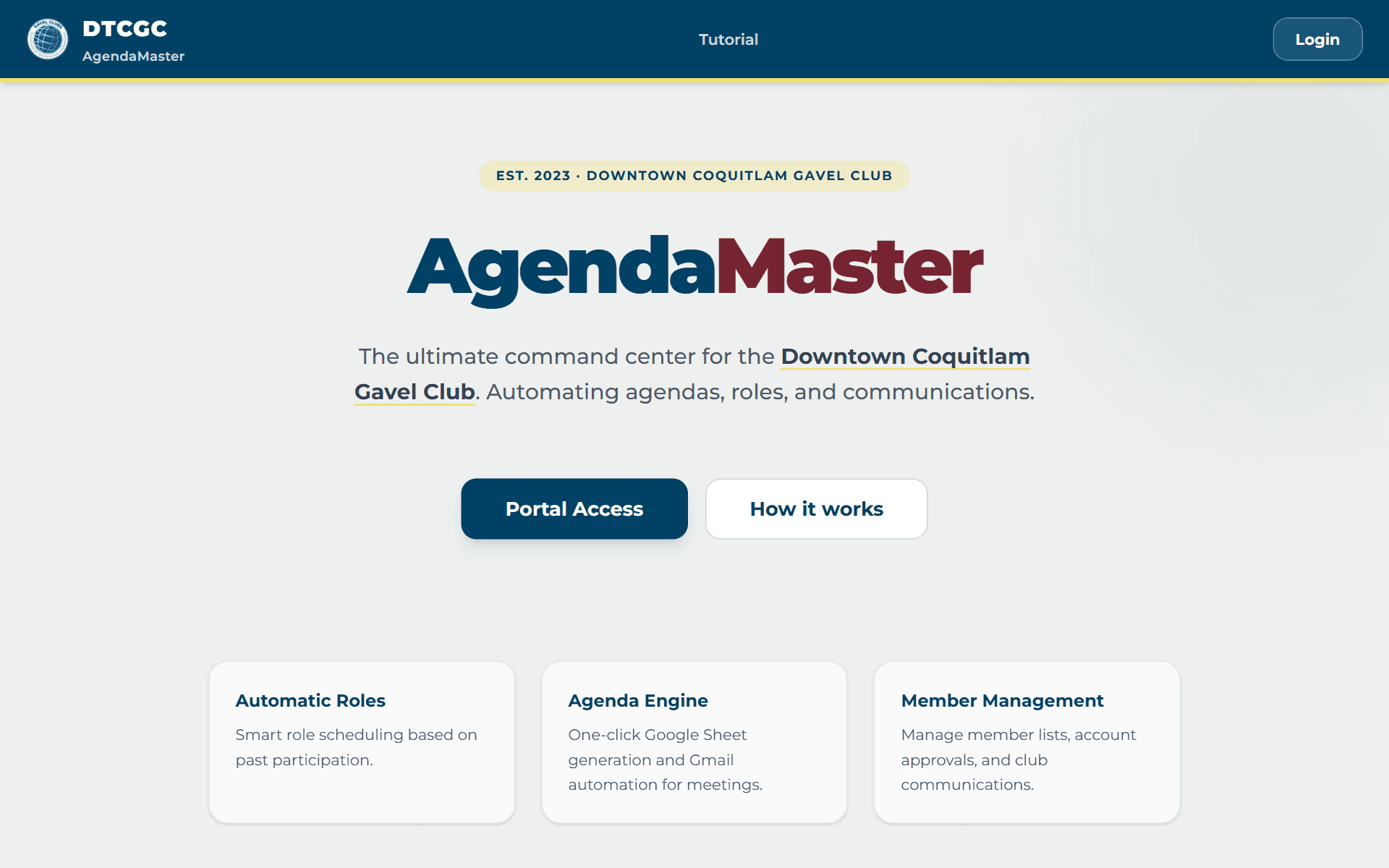
What is AgendaMaster?
AgendaMaster is the Downtown Coquitlam Gavel Club's own website for running our weekly meetings.
- It shows every member who has which role at the next meeting — the speakers, the evaluators, the Timer, and everyone else.
- It helps each week's Toastmaster prepare the meeting in a few clicks: it builds the meeting agenda and emails it to the whole club.
- It hands out the smaller roles fairly, so members who haven't had a turn in a while go first.
- It's run by the club's executive team, who approve new accounts and choose the main roles for each meeting.
Creating Your Account
Making an account takes about a minute. After that, an executive approves it and you're in.
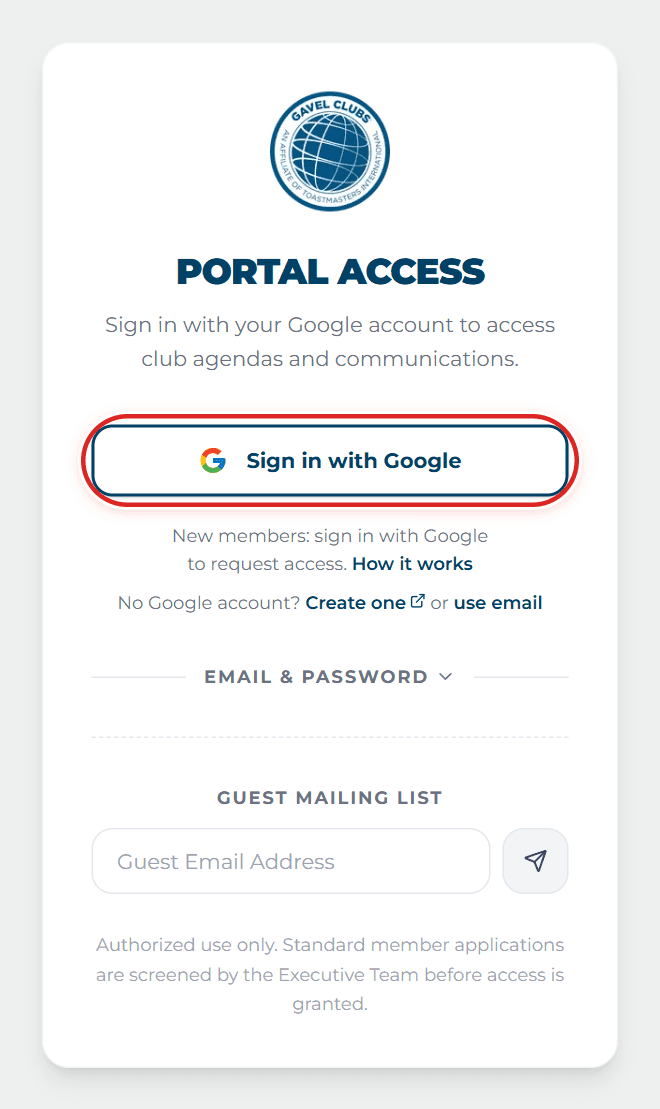
- Go to the login page and press Sign in with Google.
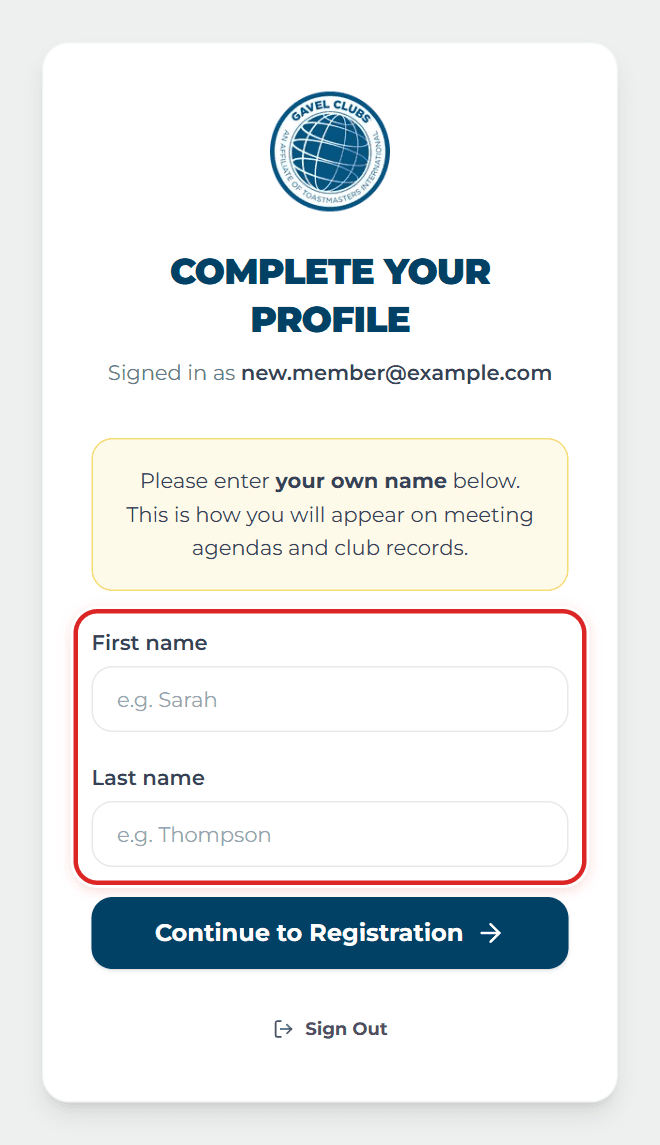
- Type in your own first and last name — even if the Google account belongs to someone else. This is the name the club sees on the agenda. Then press Continue to Registration.
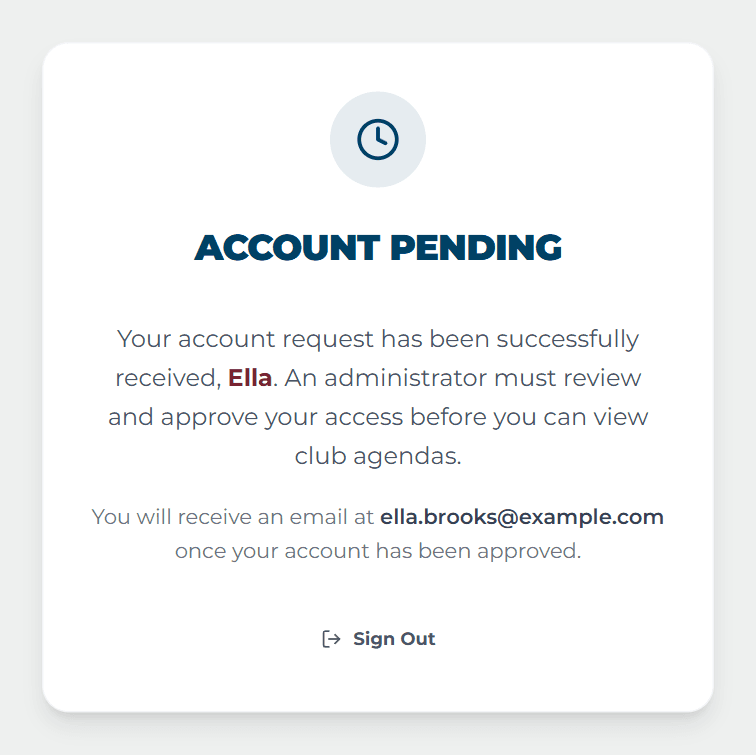
- Wait for approval. An executive checks every new account to make sure it belongs to a club member. You'll get an email once you're approved. If you leave the waiting page open, it lets you in by itself.
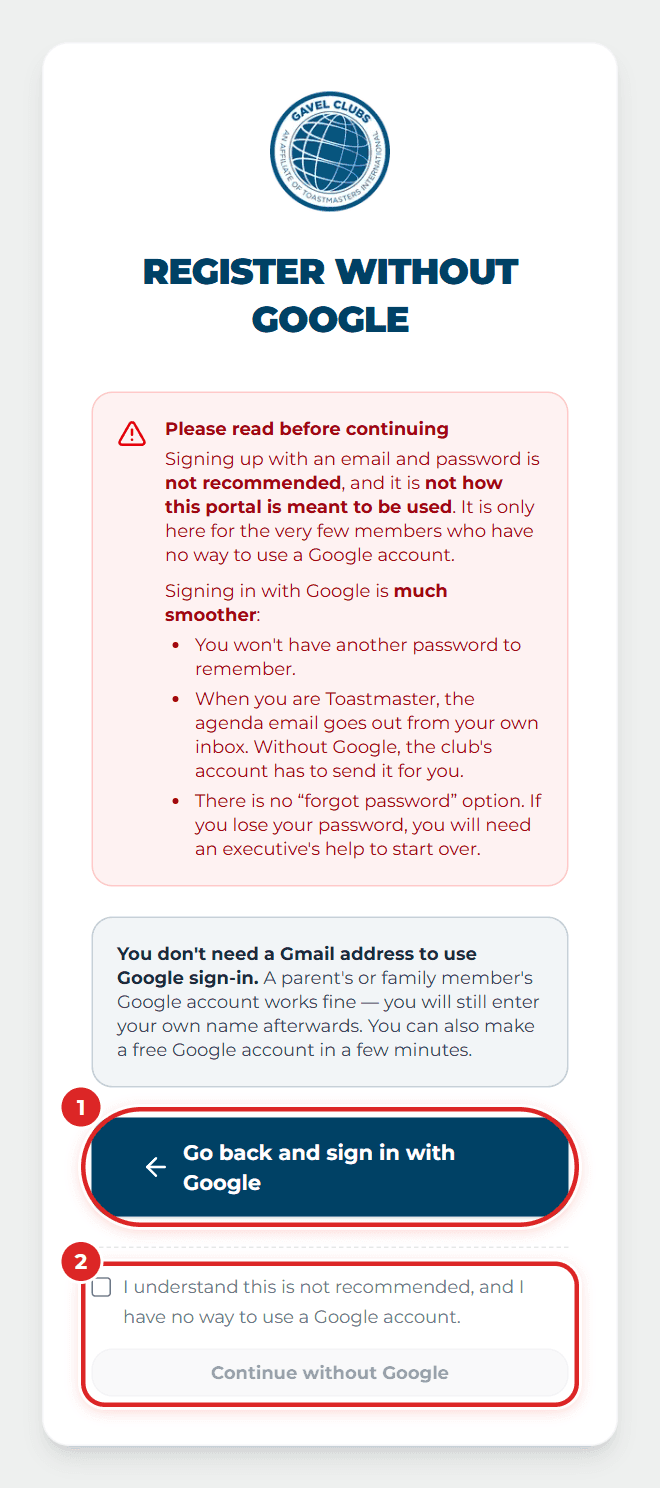
What if I can't use Google at all?
A few members have no way to use any Google account. For them, there's a use email link under the Google button on the login page. It lets you make an account with an email address and a password.
- Google is still strongly recommended. There is no “forgot password” button: if you lose your password, an executive has to help you start over.
- To continue, tick the box saying you have no way to use Google, and press Continue without Google. Then choose your email and password, and carry on with steps 2 and 3 above.
- To sign in later, open the Email & Password section of the login page.
- When you're the Toastmaster, the club's own account sends the agenda email for you. Replies still come straight to you.
For Parents & Guests: The Mailing List
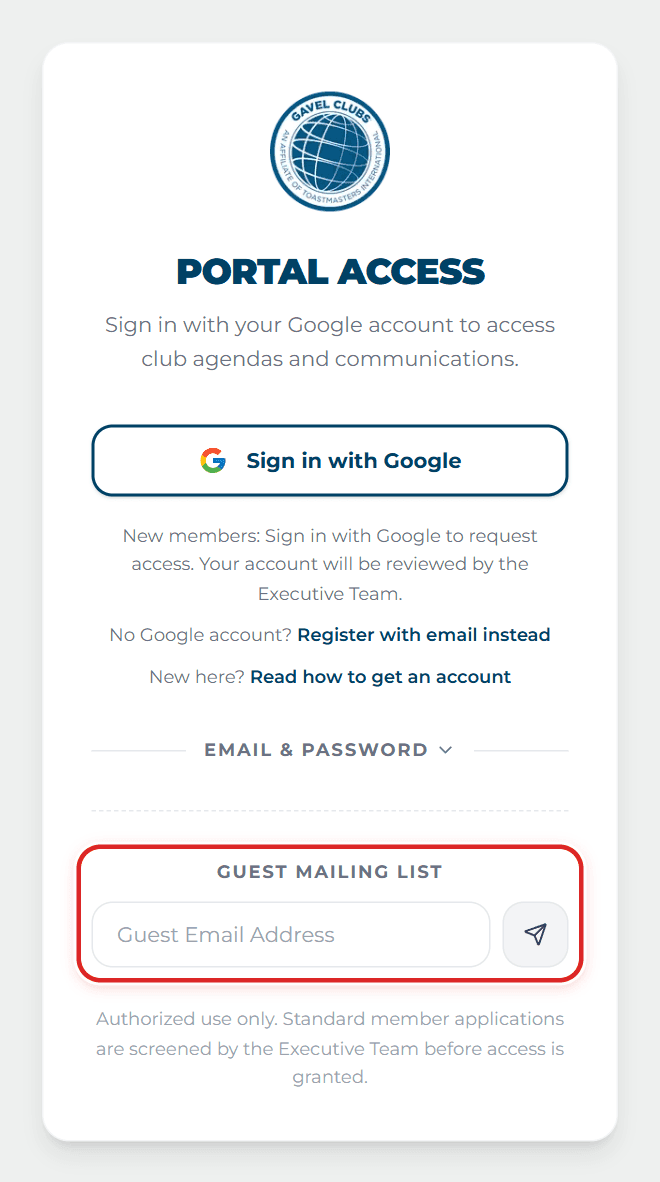
Parents and guests can get every agenda email without making an account.
- On the login page, type an email address into the Guest Mailing List box at the bottom and press the arrow button. That's it — no account, no password, no approval needed.
- That address will then receive every week's agenda email from the Toastmaster, plus club announcements from the executive team.
- It's perfect for parents who want to know what their child is doing at the next meeting.
- To stop getting the emails, ask an executive to take the address off the list.
If something doesn't work, or you're not sure what to do, talk to any executive at a meeting, or email coquitlamgavel@gmail.com.
The rest is for club members
Using your dashboard, being the Toastmaster and running a meeting are covered in the members' part of this tutorial. Sign in to read it.
Sign In